Published by Reputaro | Trustpilot Growth & Reputation Management
Most businesses that struggle to collect Trustpilot reviews have the same problem. They send one email, once, to a batch of customers they scraped together in an afternoon, and then wonder why the response rate was so low. They conclude that their customers just don't leave reviews — and resign themselves to watching their rating drift.
The issue is never the customers. The issue is the system.
A review request email campaign that consistently generates five-star reviews at scale is not complicated, but it is specific. The timing matters. The copywriting matters. The frequency and follow-up structure matter. And critically, the integration with your existing customer journey matters more than anything else.
This guide walks you through building that system from scratch — one you can set up tomorrow and run on autopilot indefinitely.
The first decision in any review campaign is not what to write — it is when to ask. Review request timing is the single most important variable in determining response rate, and most businesses get it wrong by asking either too early or too late.
Too early: Asking for a review immediately after purchase, before the customer has received and used their product or service, produces low response rates and lower quality reviews. The customer has nothing meaningful to say yet.
Too late: Asking six months after purchase produces low response rates for a different reason — the experience has faded, the emotional connection is gone, and the customer has moved on.
The sweet spot is the moment of peak satisfaction — when the customer has received their product or completed their onboarding, the experience is fresh, and they are in a positive emotional state.
Define your trigger moments based on your business model:
E-commerce: 5 to 7 days after confirmed delivery
SaaS: 14 to 21 days after account activation (once the customer has had time to experience value)
Service businesses: 24 to 48 hours after project completion or service delivery
Subscription businesses: After a successful renewal or after a support ticket is resolved satisfactorily
Write down your primary trigger moment before moving to the next step.
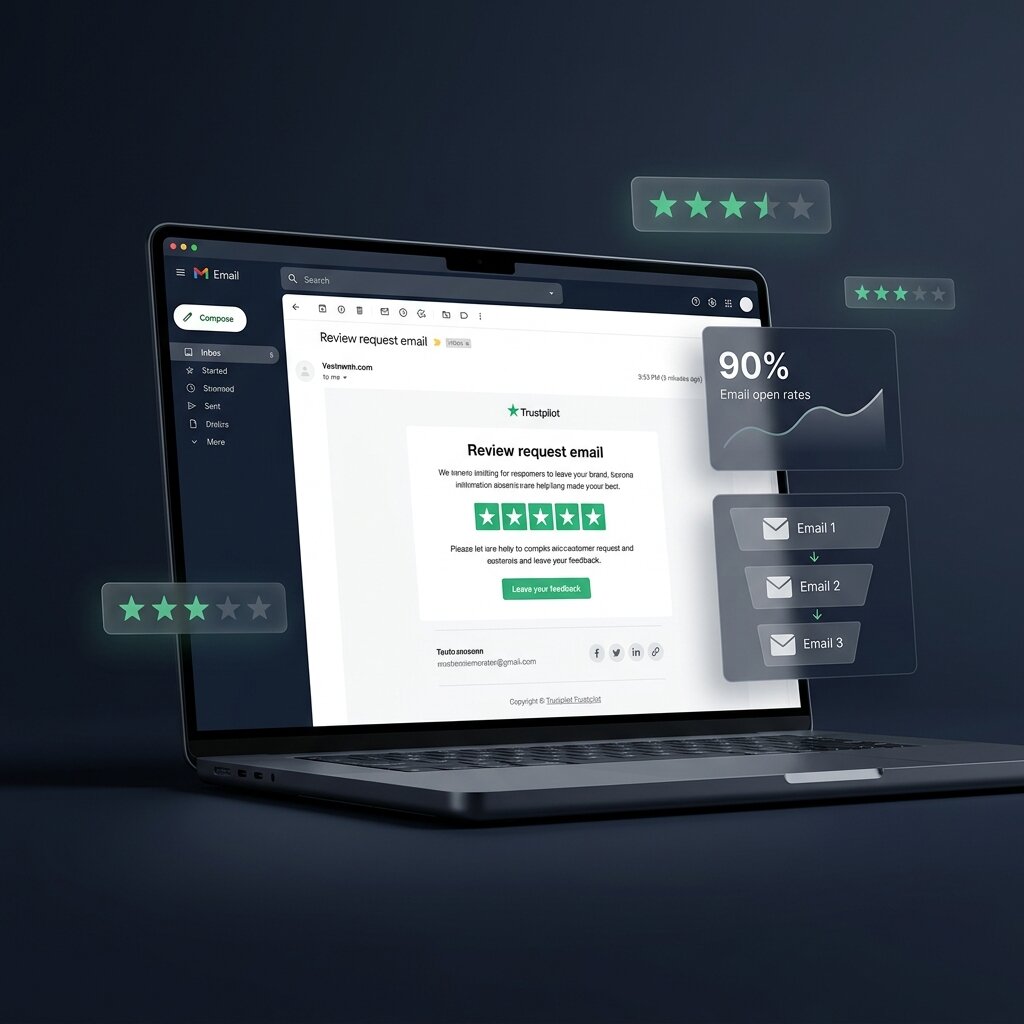
A single email generates a fraction of the reviews that a properly structured sequence produces. The standard high-performing sequence uses three emails with specific roles.
Email 1 — The Primary Ask
Sent at your trigger moment. Keep it short, personal, and direct. The goal is one click — to your Trustpilot review page.
Key elements:
Subject line examples that work:
Subject lines that underperform:
Email 2 — The Gentle Follow-Up
Sent 5 days after Email 1 if no review has been left. This email should acknowledge it's a follow-up without being apologetic about it.
Key elements:
Subject line: "Just following up — [First Name]" performs consistently well for this email. The informality signals a real person, not an automated system.
Email 3 — The Final Nudge
Sent 5 days after Email 2 if still no review. This is your last ask in the sequence — after this, stop. Over-asking damages brand trust more than it generates reviews.
Key elements:
Subject line: "Last one from us — [First Name]" sets the expectation clearly and often generates responses from people who meant to reply to Email 1 but forgot.
This is where many campaigns fail silently. Your Trustpilot review link should take the customer directly to the review writing interface — not to your profile homepage where they have to find the "Write a review" button themselves.
The direct review link format for Trustpilot is:
`https://www.trustpilot.com/evaluate/yourdomain.com`
Replace `yourdomain.com` with your actual domain. Test this link before you put it in any email — clicking it should open the review form immediately, without requiring the customer to navigate.
Every additional click between your email and the review form reduces completion rate. Direct links are non-negotiable.
Not every customer should receive the same review request. Segmenting your list improves both response rate and the quality of reviews you receive.
Prioritise for review requests:
Deprioritise or exclude:
Sending to the right customers first means your early reviews set the right tone for your profile.
Once your sequence is live, the metrics that matter are open rate (for each email in the sequence), click rate on the review link, and your weekly review velocity — how many new reviews you receive each week.
Review your sequence performance monthly. If Email 2 has a higher click rate than Email 1, your subject line on Email 1 needs work. If Email 3 is driving more reviews than Email 2, your follow-up timing may be too close.
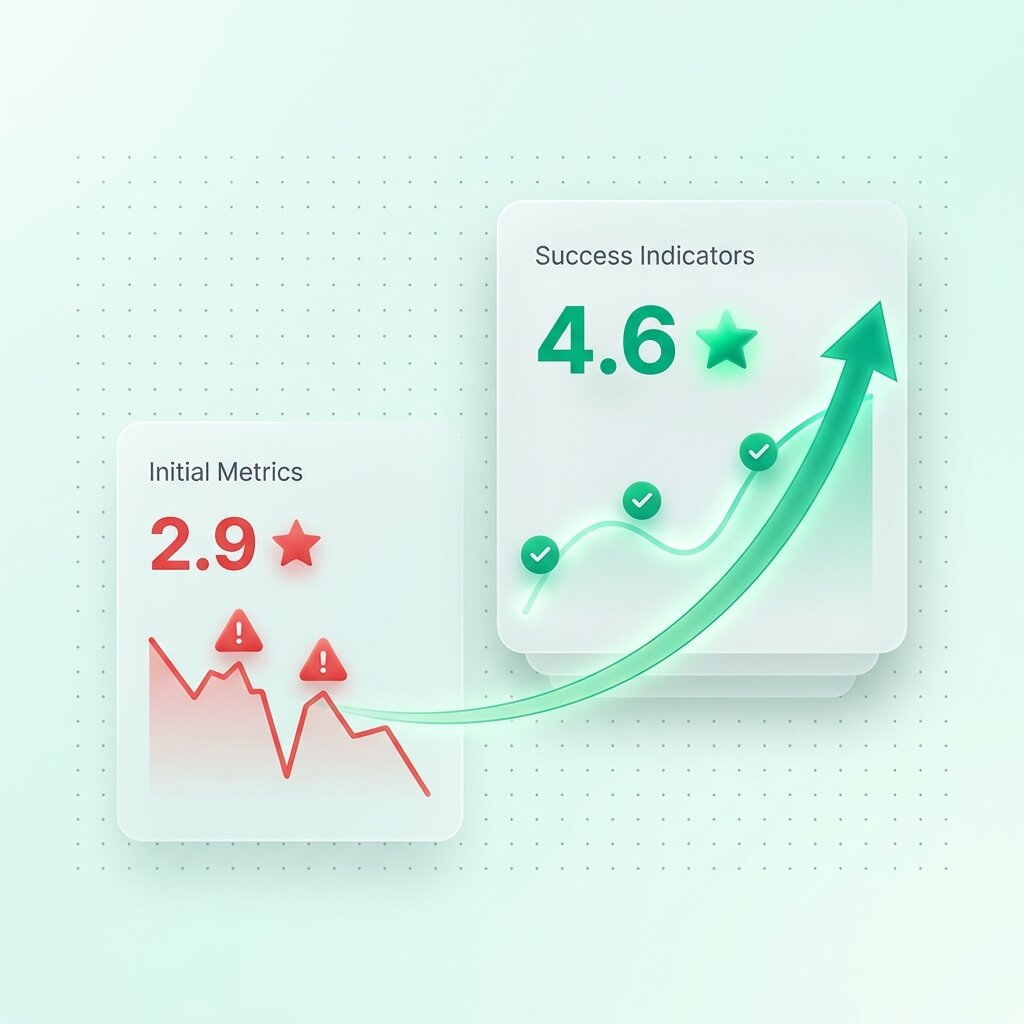
A well-optimised sequence running to your satisfied customer base should generate a consistent stream of five-star reviews every week — building your rating steadily over time without any manual effort once the workflow is configured.
Want us to build and manage your review collection system for you? See how Reputaro works at reputaro.io